Upon selecting the correct participant and visit from the Study Portal main menu, you will be taken to a checklist detailing all the tasks that the participant and researcher must complete in that specific study visit. The checklist serves as a launching point for opening surveys and recording tasks using Kernel Flow. See the example checklist below.
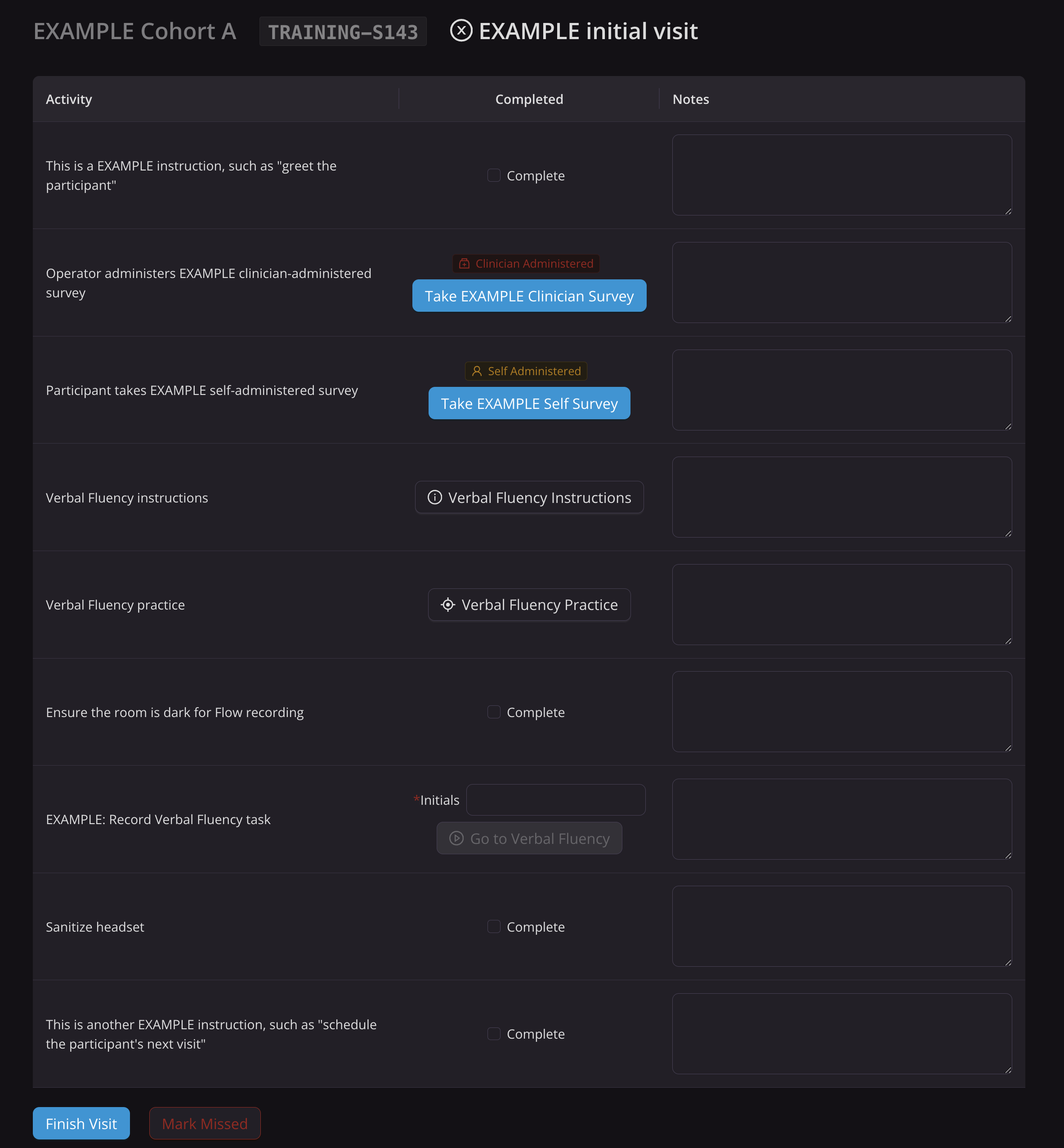
The checklist contains a series of steps, which fit under three categories:
General Activities
Surveys
Tasks
NOTE:
For all steps, the operator may enter notes, and these will be saved automatically. The checklist auto-saves continuously. Any submitted surveys or completed task recordings are not dependent on the checklist remaining open.
1. General Activities
For general activity steps, complete the task and then check the box in the Completed column. Once checked, the step will turn green to indicate it has been completed.

2. Surveys
Surveys can either be self-administered or clinician-administered. The survey type will be noted in the checklist step. Self-administered surveys will be taken by the participant with no intervention, while clinician-administered surveys will be filled out by a clinician.
To launch a survey, click the “Take {Survey Name}” button. If the survey is self-administered, give the device to the participant to complete the survey(s). Surveys proceed question by question.
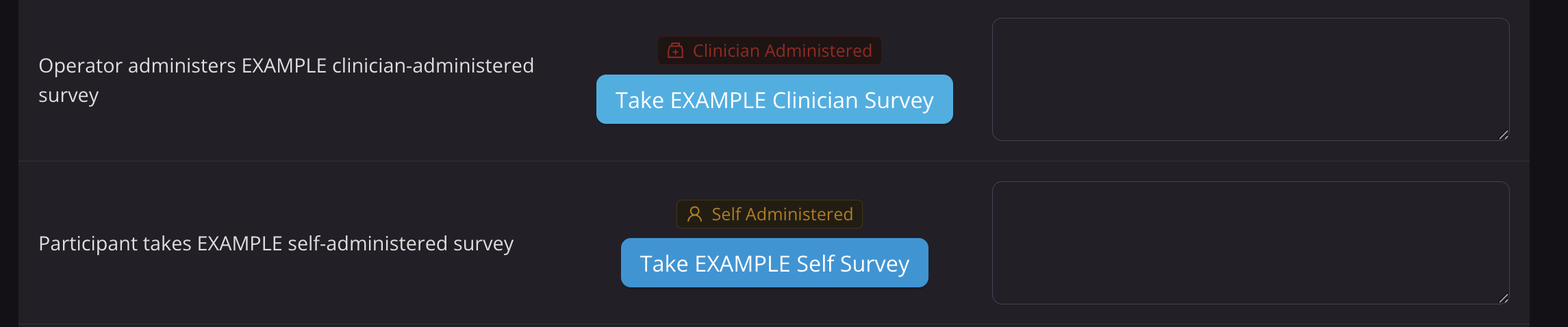
If the survey is clinician-administered, you will be prompted for the clinic password to open it. The survey can be administered in real-time, with the clinician asking questions and inputting the answers as they go. Alternatively, the clinician can administer the survey on paper, and a study operator can later input the answers into the checklist survey. The participant should not interact with the device for these surveys.
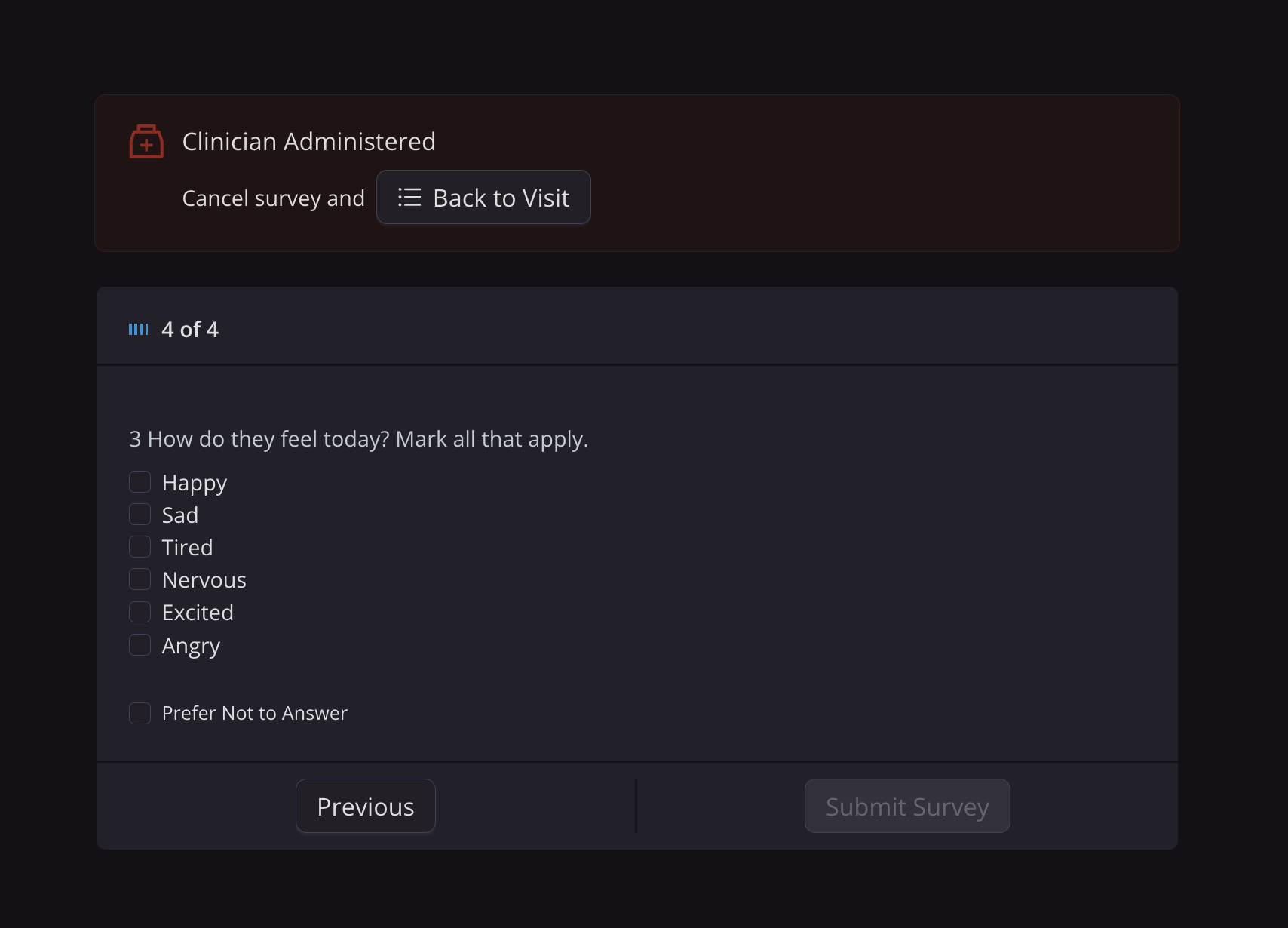
Surveys cannot be submitted until all questions are filled out. There is a progress tracker at the top of each question detailing how many survey pages are left. The step in the checklist will only be marked completed when the survey has been submitted. Unlike the checklist note feature, survey progress does not save if the survey is exited midway through.
NOTE:
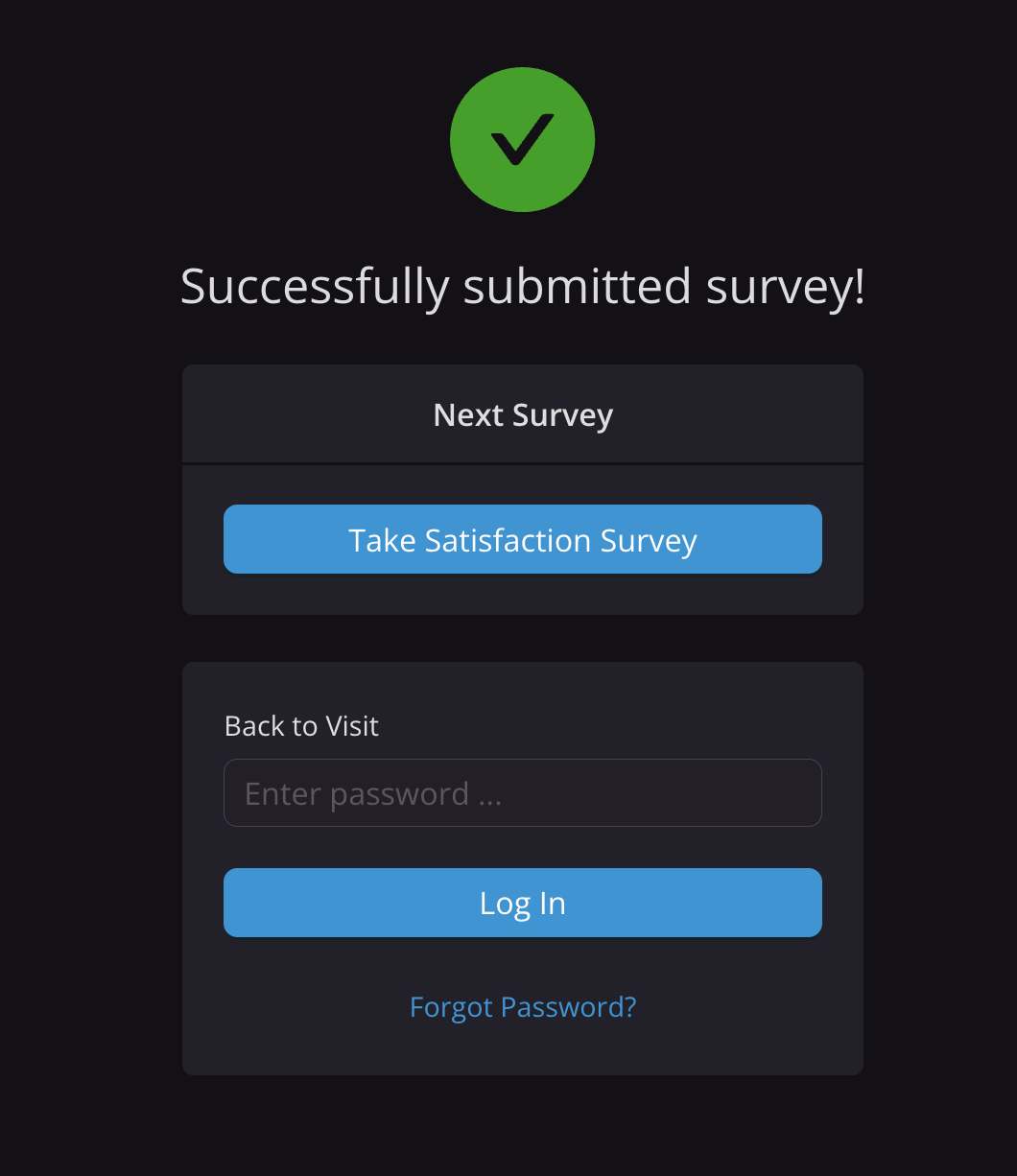
If the checklists contains multiple self-administered surveys in a row, participants will have option to proceed to subsequent surveys without pause. If the next step in the checklist is a clinician-administered survey or any non-survey step, it will prompt the operator for the clinic password. Additionally, the operator always has the ability to force a return to the checklist.
3. Tasks
Within the tasks category, there are three subcategories of steps: instructions, practice, and task recording.
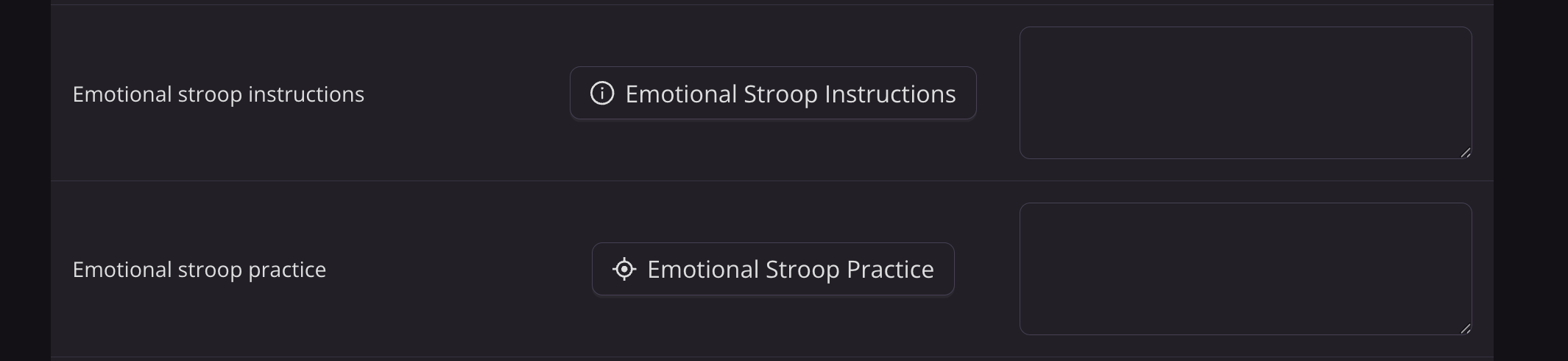
Task instructions and practice should always be completed at the first study visit and are optional for subsequent visits, depending on participant understanding. Instructions and practice both launch in a new tab.
.png)
Checklists often have instructions and practice for multiple tasks in a row, followed by multiple task recordings in a row. This is done to reduce the wear time of the headset. Instructions and practice should never be done with the headset on a participant's head.
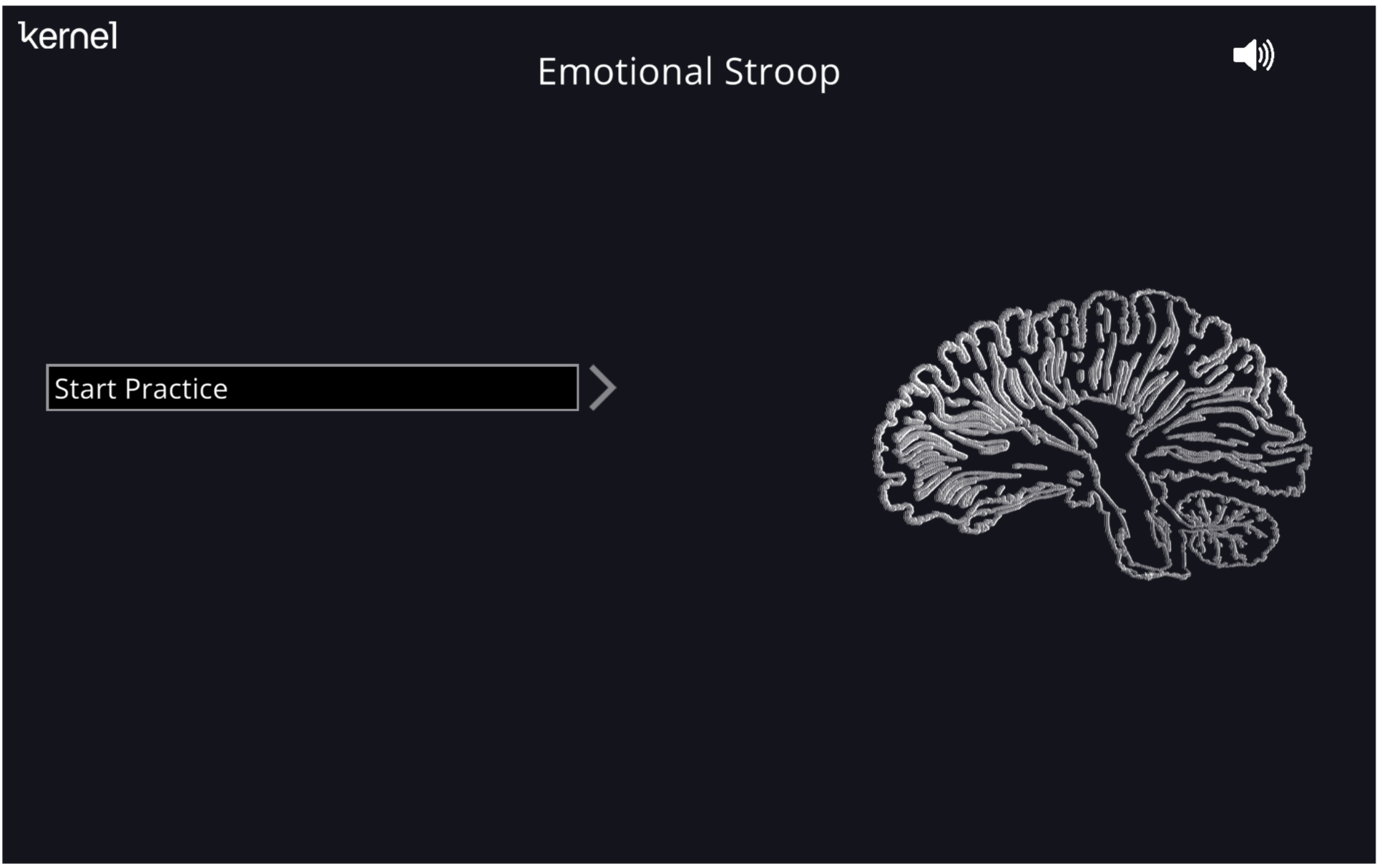
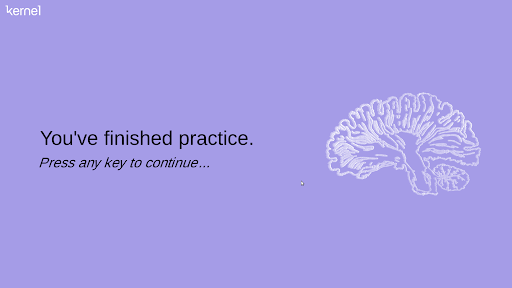
Below is what the task page looks like when the instructions or practice are launched, and when they finish. Participants should proceed through the instructions and practice at their own pace. The operator should pay attention to the participant's general understanding and allow the participant to repeat the instructions and practice as needed (the page can simply be refreshed to restart).
The final type of step in this category is the actual task recording. See Recording a Task for further information.