Closing the Checklist
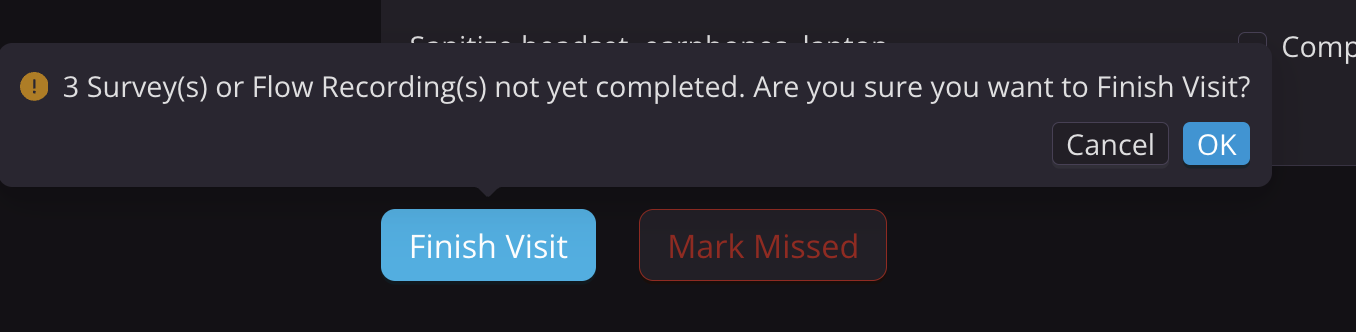
When all checklist steps are complete, return to the main menu by selecting Finish Visit. If surveys or Flow recordings are incomplete, a warning will appear.
NOTE:
You do not need to press Finish Visit for surveys and Flow recordings to upload to the Kernel Cloud. If a step is marked complete (green in the checklist), the data has already been saved/transmitted.
- Surveys are marked complete once submitted.
- Flow recordings are marked complete if a recording was captured (simply placing the headset and turning the lasers on does not count).
Alternatively, if a participant misses the visit entirely, you may press Mark Missed.
Sanitizing the Headset
When the participant leaves, sanitize the headset according to the procedure in Cleaning your Flow system. The headset must be sanitized between each participant.
Power down the Headset
The headset may remain in its "sleep state" (power on, lasers off) between scans. However, if there is at least 1 hour between study visits, we recommend fully powering down the headset using the On/Off switch on the power cable.